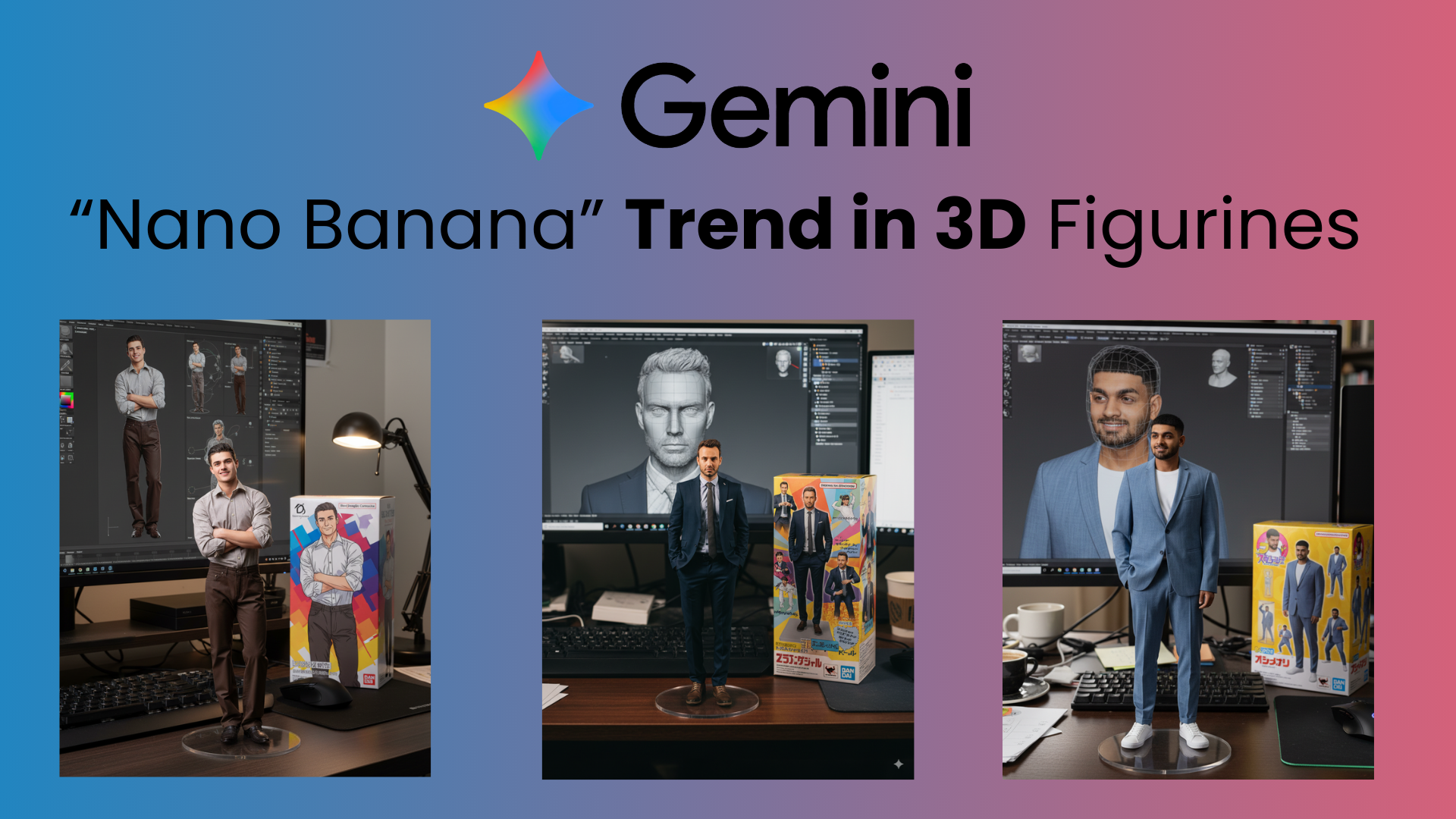
AI technology has transformed the way we create and design. From generating digital art to building lifelike 3D models, the possibilities are endless, and now, you can even turn your favorite photos into mini figurines for free. One of the easiest ways to do this is with Google Gemini, which lets you create collectible-style figurines without expensive software or tools.
Whether you want a unique gift, a personal keepsake, or a fun project for branding, this guide will walk you through how to create a 3D AI figurine with Gemini for free, along with some creative ideas to try.
Step-by-Step Guide to Creating a 3D AI Figurine with Gemini
Creating a personalised 3D AI figurine has never been this simple, thanks to Google’s Gemini. Now you can design a trending 3D AI figurine image of yourself, your loved ones, or even your favorite character, and the best part is it’s completely free! People everywhere are sharing their mini figurines on social media, and you can join the trend too. Here’s a step-by-step guide to get started.
Step 1:
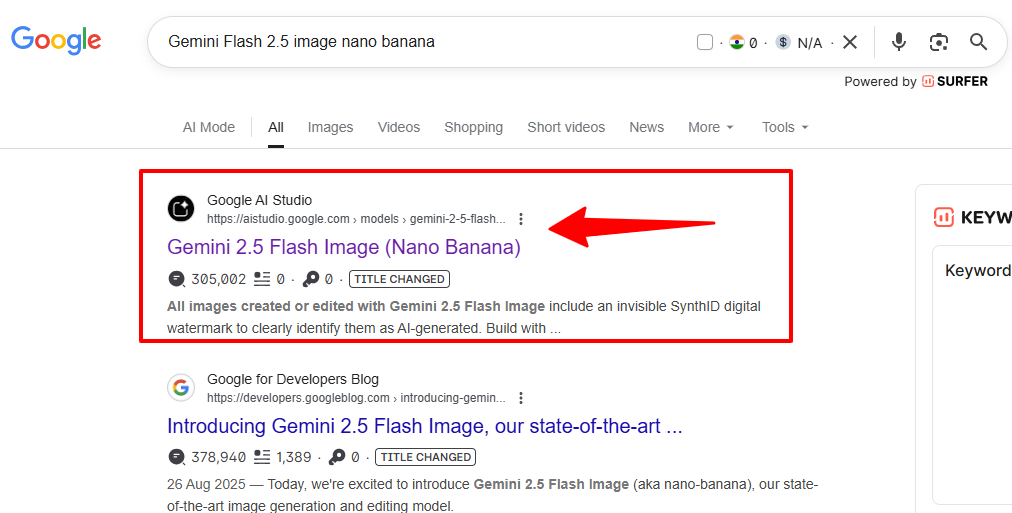
Open Google Chrome on your computer or mobile and in the search bar type “Gemini 2.5 Flash Image Nano Banana” (search “Gemini Flash 2.5 image nano banana”). This will take you to the official Gemini AI image generation options.
Step 2:
From the search results, click on the link that says “Google AI Studio”. This will open the official workspace where you can access Gemini 2.5 Flash Image (Nano Banana) and start creating your figurine.
Step 3:
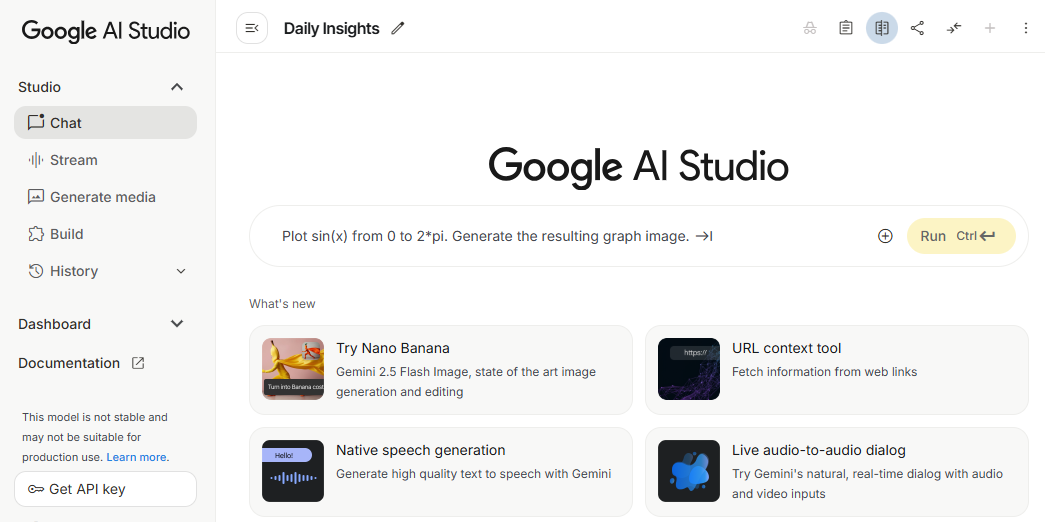
Once you’re inside Google AI Studio, you’ll see a chat box. Simply copy and paste the following prompt into it:
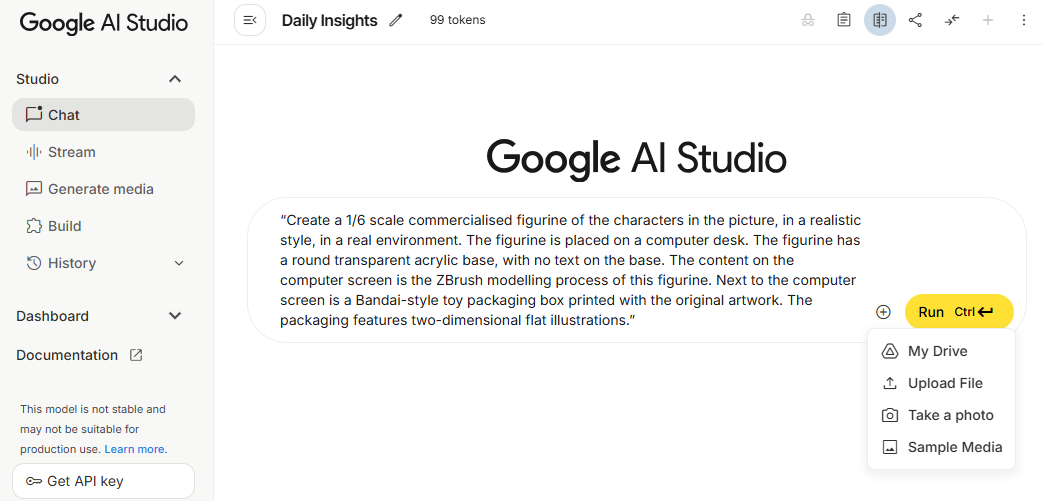
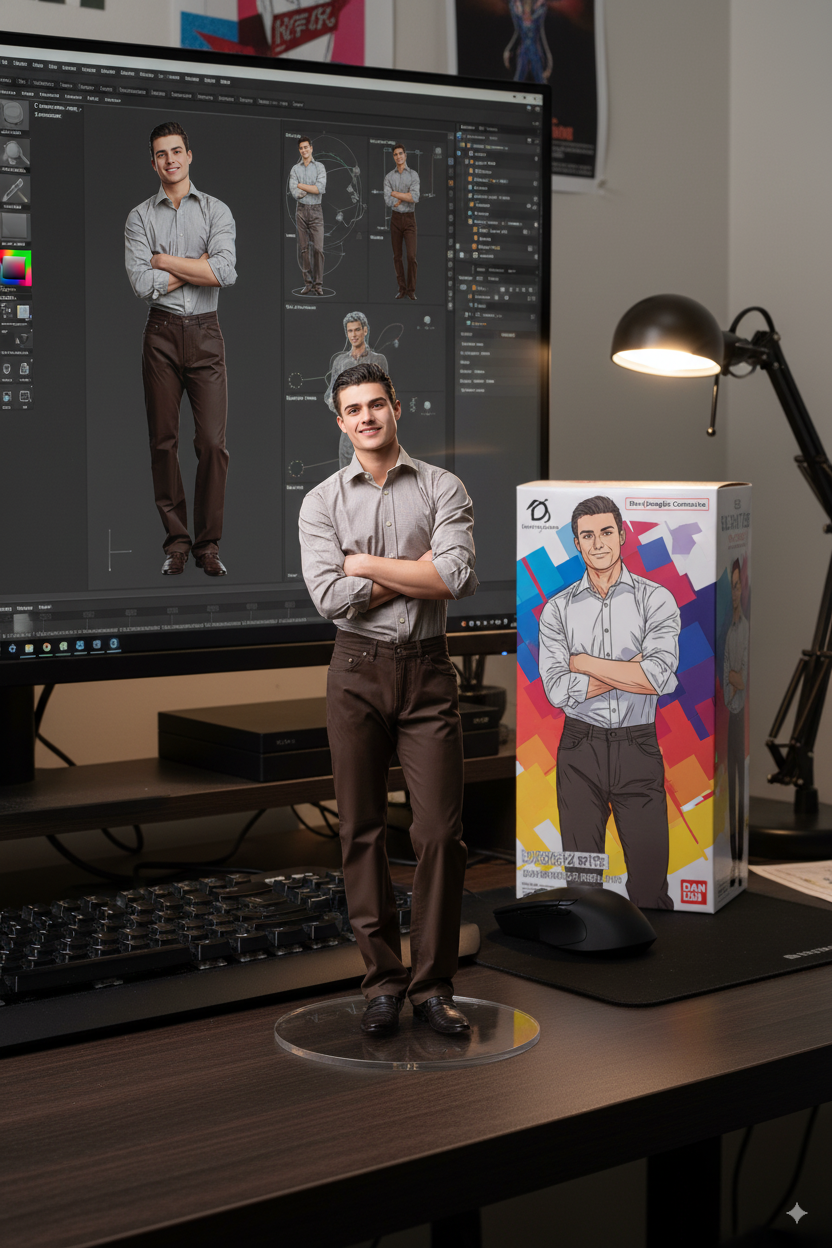
“Create a 1/6 scale commercialised figurine of the characters in the picture, in a realistic style, in a real environment. The figurine is placed on a computer desk. The figurine has a round transparent acrylic base with no text on the base. The content on the computer screen is the ZBrush modelling process of this figurine. Next to the computer screen is a Bandai-style toy packaging box printed with the original artwork. The packaging features two-dimensional flat illustrations.”
Step 4:
Now, upload the photo of the person or character you want to transform into a figurine. Just click on the “+” icon in the chat box and select your image.
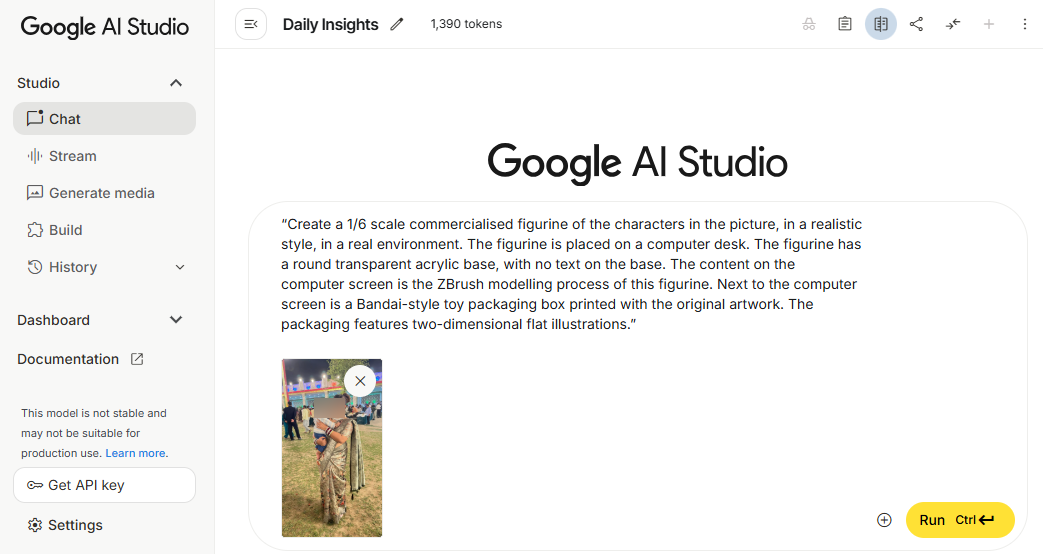
Pro tip: If you’d like to personalise the base with a name or special message, simply replace “no text on the base” in the prompt with your chosen words before running it.
Step 5:
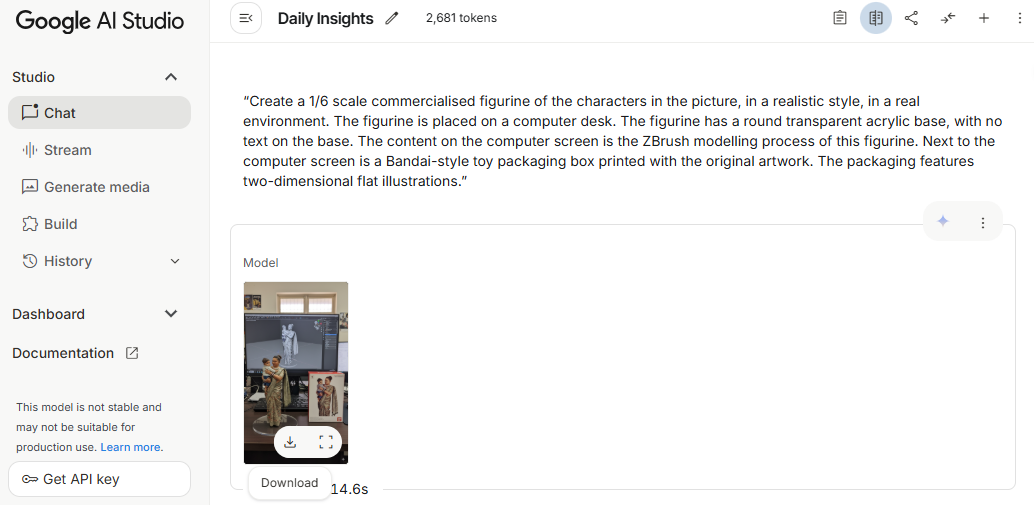
Sit back and let the AI do its magic! In a few moments, your 3D figurine design will be ready. Once it’s generated, simply download the file directly to your device and enjoy your custom-made creation.
Different Types of 3D AI Figurine Ideas
Once you get comfortable with the process, the fun really begins! You can experiment with countless figurine styles, whether it’s for personal enjoyment, gifting, or even professional projects.
Overview
This guide walks you through the simple process of creating trending 3D AI figurines with Google Gemini for free. You’ll learn how to search and access Gemini, use the right prompts, upload images, and generate lifelike figurine models in just a few clicks. We’ll also share customization tips, creative figurine ideas, and the best type of pictures to upload for high-quality results. Whether you want a personalized mini-model, a unique gift, or eye-catching 3D images for social media, this step-by-step tutorial makes it easy to bring your imagination to life.
This was such a helpful read! I’ve been curious about the trend of AI-generated 3D figurines, and this guide made it so clear. Definitely going to give it a try with Gemini. Thanks for the breakdown!